
Guides/Advertising
How to Create a Google Search Campaign in Modus
You can build a Google Search campaign in Modus, with keywords, ad copy, budget and locations, and have it appear in your Google Ads account paused, ready for you to review and switch on. Because the campaign carries Modus's tracking template from the start, every lead it brings in is traced back to the ad that produced it. It needs one extra one-time setup: a second script, the campaign publisher, pasted into Google Ads next to the reporting script.
Before you start
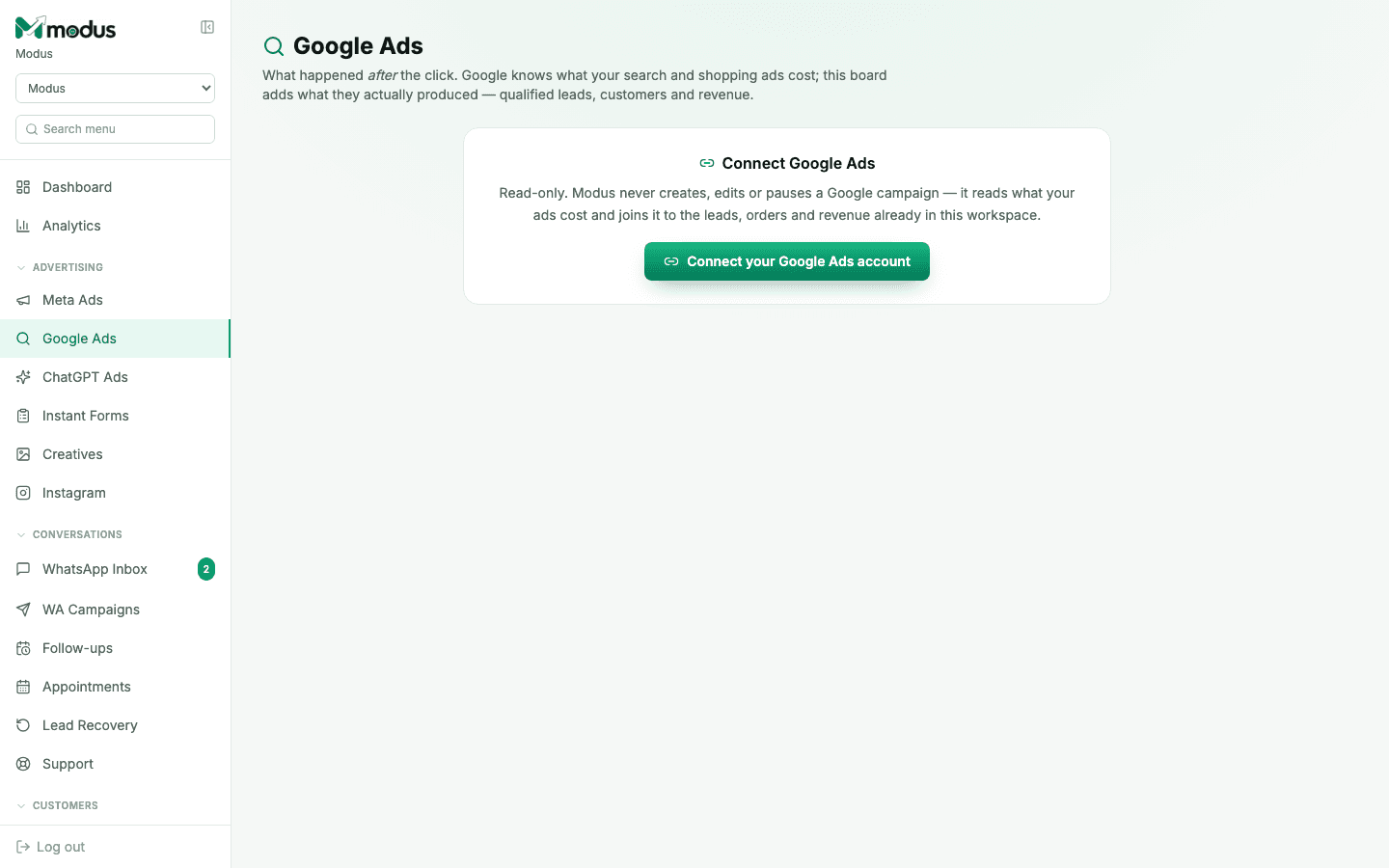
- Google Ads is already connected with the reporting script (see "Connect Google Ads").
- You are the account owner, to copy the publisher script. After that, anyone on your team with ads access can build and publish campaigns.
- 01
One-time: install the campaign publisher
In Modus, go to Setup → Google Ads, open Optional: create campaigns from Modus, and click Copy script. In Google Ads, add it as another new script under Tools → Bulk actions → Scripts (keep the reporting script as it is). Paste it, click Authorize, Save, and set it to Hourly. Want a ceiling on spend? Change
MAX_DAILY_BUDGETat the top of the script to the largest daily budget it may ever create. - 02
Build the campaign
On the Google Ads board, click Create campaign. Fill in the campaign name, daily budget, how Google should bid (Maximize clicks is the safe choice for a new account), the locations and languages, your keywords (one per line; write
[exact]or"phrase"to change the match type), and the ad itself: the landing page, 3 to 15 headlines and 2 to 4 descriptions. The preview on the right shows how the ad will look on Google. - 03
Publish
Click Publish to Google Ads. Modus checks every field against Google's rules first (for example, headlines can be at most 30 characters and can't contain "!") and tells you exactly what to fix. Not ready yet? Save draft and come back to it later.
- 04
Create it in Google Ads
The publisher script creates the campaign on its next hourly run. To do it straight away, open the publisher script in Google Ads and click Run. In Modus the campaign moves from "Waiting for the publisher script" to In Google Ads · paused.
- 05
Review it and switch it on
Click Review & turn on in Google Ads, check the campaign there, and turn it on when you are happy. Nothing runs or spends until you do. From then on, its spend, leads and sales show on the Modus Google Ads board like any other campaign.
Good to know
If Google refuses a campaign, Modus shows Google's own error on it. Click Edit, fix it, then Try again. Nothing was created the first time, so there is nothing to clean up.
Keep the Modus tracking template option switched on. It is what lets Modus tell you which of these ads produced paying customers.
Put the Modus website chat on the landing page, so people who click the ad can become leads Modus can trace.
Questions we get asked
Can the publisher change my existing campaigns?
No. It only ever creates new campaigns, budgets, ad groups, keywords and ads, and it refuses anything else before it reaches Google. It never edits, pauses or deletes what is already in your account.
Why is the campaign paused?
So nothing spends until you have seen it in Google Ads and chosen to start it. Every campaign Modus creates is paused, and the script itself refuses to create one that isn't.
Which campaign types can I create?
Search campaigns, with one ad group and one responsive search ad. For Performance Max, Shopping, Display or video, create the campaign in Google Ads. Modus still reports on it through the reporting script.
Do I need to set this up again for every campaign?
No. Installing the publisher script is a one-time step. After that, each new campaign is just Create campaign → Publish → Run (or wait for the hourly run).
See this running on your own numbers.
Every guide on this site is the real product — set up your own agent, ad account and WhatsApp number, and every deal it closes traces back to what produced it.