
Guides/Advertising
How to Connect Google Ads to Modus (One-Time Script Setup)
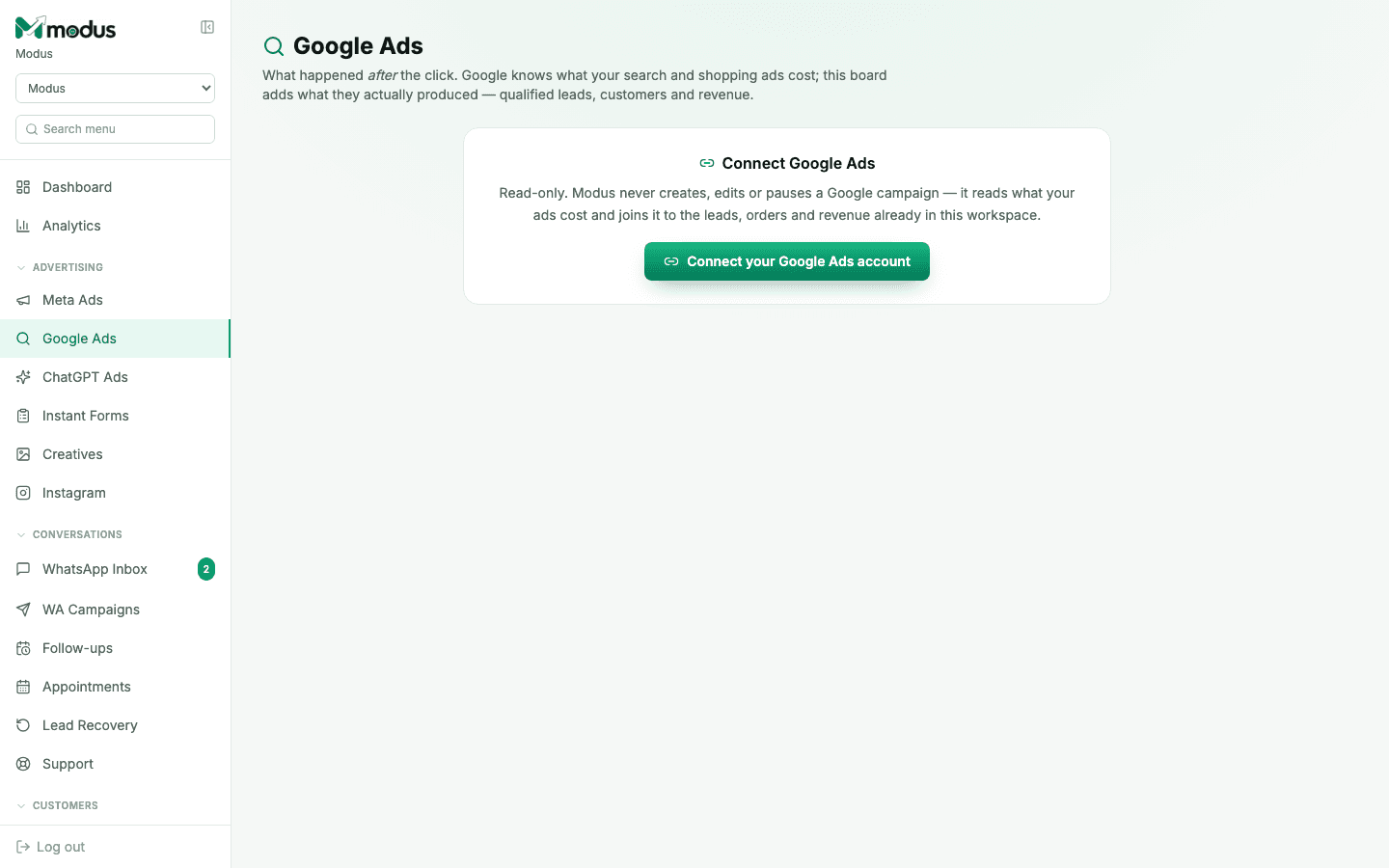
Modus connects to Google Ads through a short Google Ads script that you paste into your own Google Ads account once. Every hour it sends Modus your ad spend, clicks and conversions, and Modus joins them to the leads, sales and revenue in your workspace. That is how you get cost per paying customer for Google, a number Google Ads cannot work out because the sale happens in your conversations, not on Google. This is a one-time setup, about 10 minutes. Once the script is saved and scheduled, it keeps running on its own. Out of the box the script only reads reports. It never changes, pauses or deletes anything in your Google Ads account; it creates new paused campaigns only if you switch on campaign publishing in Modus.
Before you start
- You are the account owner in Modus. The script contains your workspace key, so only the owner (or Modus support) can see and copy it.
- Your Modus plan includes Google Ads (Business, Custom or Max).
- You can sign in to the Google Ads account, with at least Standard access, to add a script.
- 01
Copy your script from Modus
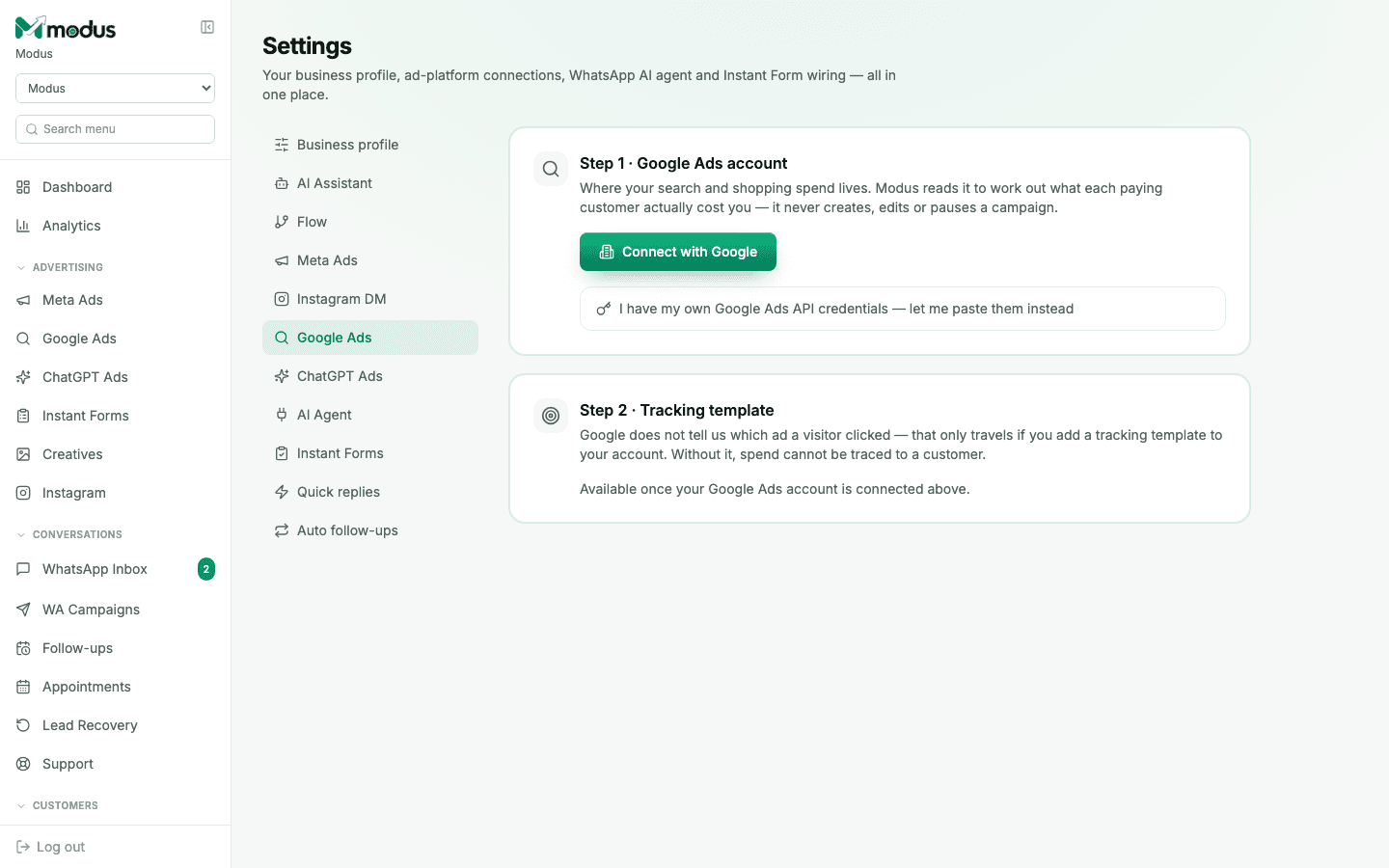
In Modus, go to Setup → Google Ads and open Connect with a Google Ads script. Click Create my script, then Copy script. You only do this once. You can come back to this page any time to copy the same script again.
- 02
Add it as a new script in Google Ads
In Google Ads, open Tools → Bulk actions → Scripts and click the + button to add a new script. Delete the sample code that Google puts there, and paste the Modus script in its place. Give it a name you will recognise, like "Modus reporting".
- 03
Authorise it and run it once
Click Authorize and sign in with your Google account when asked. This lets the script read your own account's reports. Then click Run. The first run sends the last 90 days, so it can take a minute or two. The log at the bottom should end with something like "sent 1240 rows".
- 04
Save it and set it to run every hour
Click Save, close the editor, and in the scripts list set the script's Frequency to Hourly. This is the step that makes it a one-time setup: from now on Google runs the script for you, and Modus stays up to date without anyone touching it.
- 05
Add the tracking template
This is what lets Modus know which ad a lead clicked. In Google Ads, open Admin → Account settings → Tracking and paste the tracking template shown on the Modus Google Ads board (it has a Copy button). Then make sure the Modus website chat is on the pages your ads send people to. Without both, Modus still shows your Google spend but cannot trace it to a customer.
- 06
Check it worked
Open Google Ads in the Modus sidebar. Your account appears with "script reported a few minutes ago", along with your campaigns and spend. The tracking setup panel on that page disappears by itself once the first lead arrives carrying an ad id, usually within a day of real ad traffic.
Good to know
Running Google Ads for several businesses or locations from one manager account? Paste the script into the manager account once and it reports up to 50 of the accounts underneath.
If Modus shows "No report from the Google Ads script for over a day", open Tools → Bulk actions → Scripts in Google Ads and check the script is still saved, authorised and set to Hourly.
Clicking New key in Modus stops every copy of the script you have already pasted. Only use it if the script was shared by mistake, and then paste the new one in Google Ads.
Want to create Search campaigns from Modus too? That needs a second, optional script. See "Create a Google Search campaign".
Questions we get asked
Is this a one-time setup?
Yes. You paste the script once and set it to run hourly, and Google keeps running it for you. You only touch it again if you remove it, change who owns the Google Ads account, or create a new key in Modus.
Can the script change my campaigns?
No. It never edits, pauses or deletes anything already in your account. Unless you switch on Let Modus create campaigns in Setup → Google Ads, it only reads reports. With that on, it can also create the new Search campaigns you publish in Modus, always paused, and it refuses anything else.
Why a script instead of "Sign in with Google"?
A script runs inside your own Google Ads account, under your own login, so it works straight away. There is no separate Google approval to wait for, and no password or token to hand over.
How fresh is the data?
Up to an hour old: the script runs hourly. Each run also re-sends the last 7 days, because Google keeps adjusting recent numbers as conversions are counted.
Why does the tracking template matter if my spend already shows up?
The script tells Modus what each ad cost. The tracking template tells Modus which ad each visitor came from. You need both to see the cost per paying customer for a specific ad.
See this running on your own numbers.
Every guide on this site is the real product — set up your own agent, ad account and WhatsApp number, and every deal it closes traces back to what produced it.