
Guides/Setup
How to Add a Website Chat Widget in Modus
The same AI agent that answers your WhatsApp can sit on your own website as a chat bubble — same knowledge base, same CRM, same inbox. No app for the visitor to install, and unlike WhatsApp, no 24-hour reply window to work around.
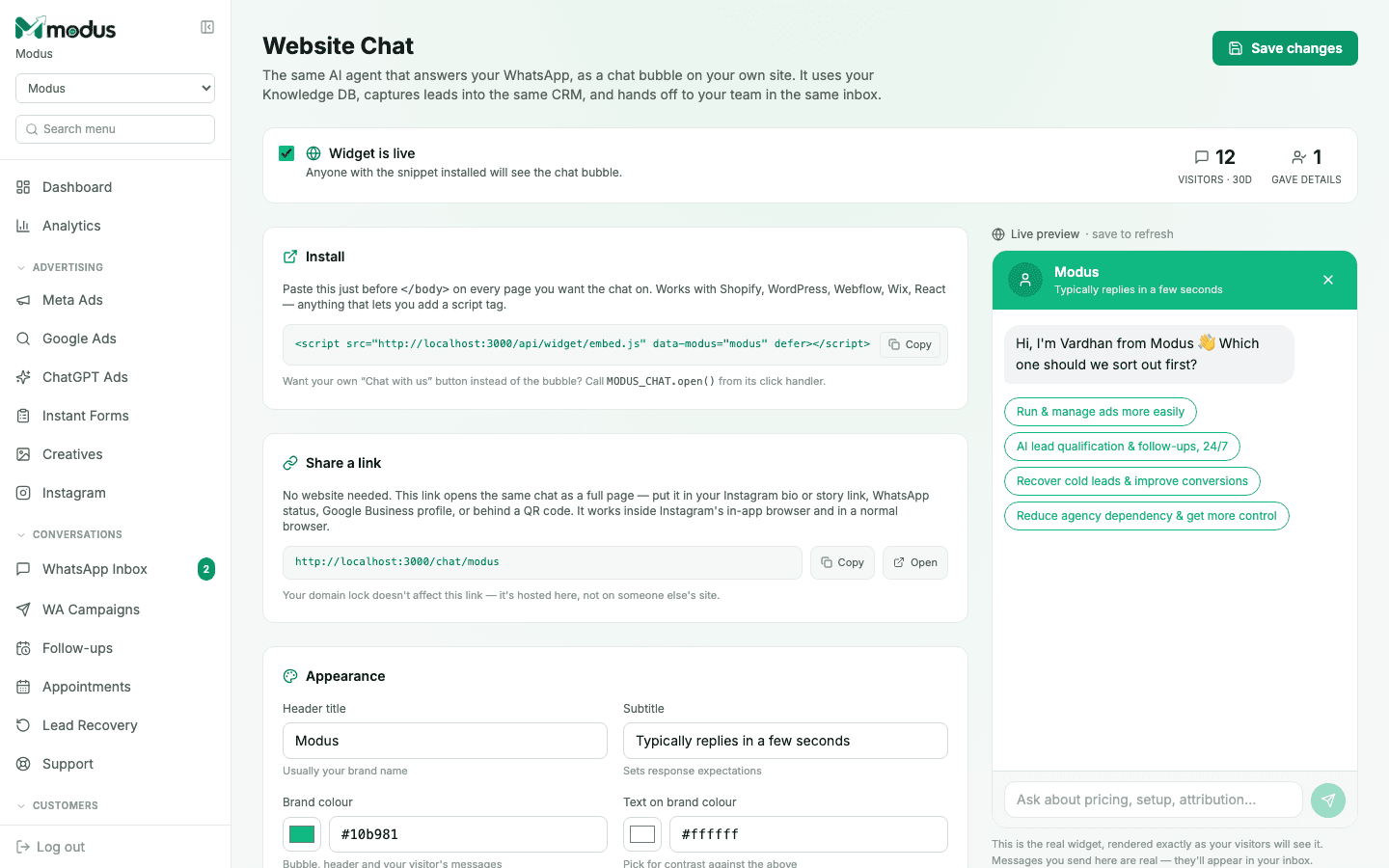
- 01
Open Website Chat and turn it on
Go to Website Chat in the board sidebar and confirm the Widget is live toggle is checked — anyone with the snippet installed will see the chat bubble the moment it is.
- 02
Install the script tag
Copy the one