01
Multiple booking pages
Create different durations, availability rules, descriptions and meeting locations for each service or team.

Features/CRM & Retention
Create shareable booking pages for calls, consultations or visits. Customers choose from your actual availability, receive confirmations and reminders on WhatsApp, and stay connected to the contact who booked.
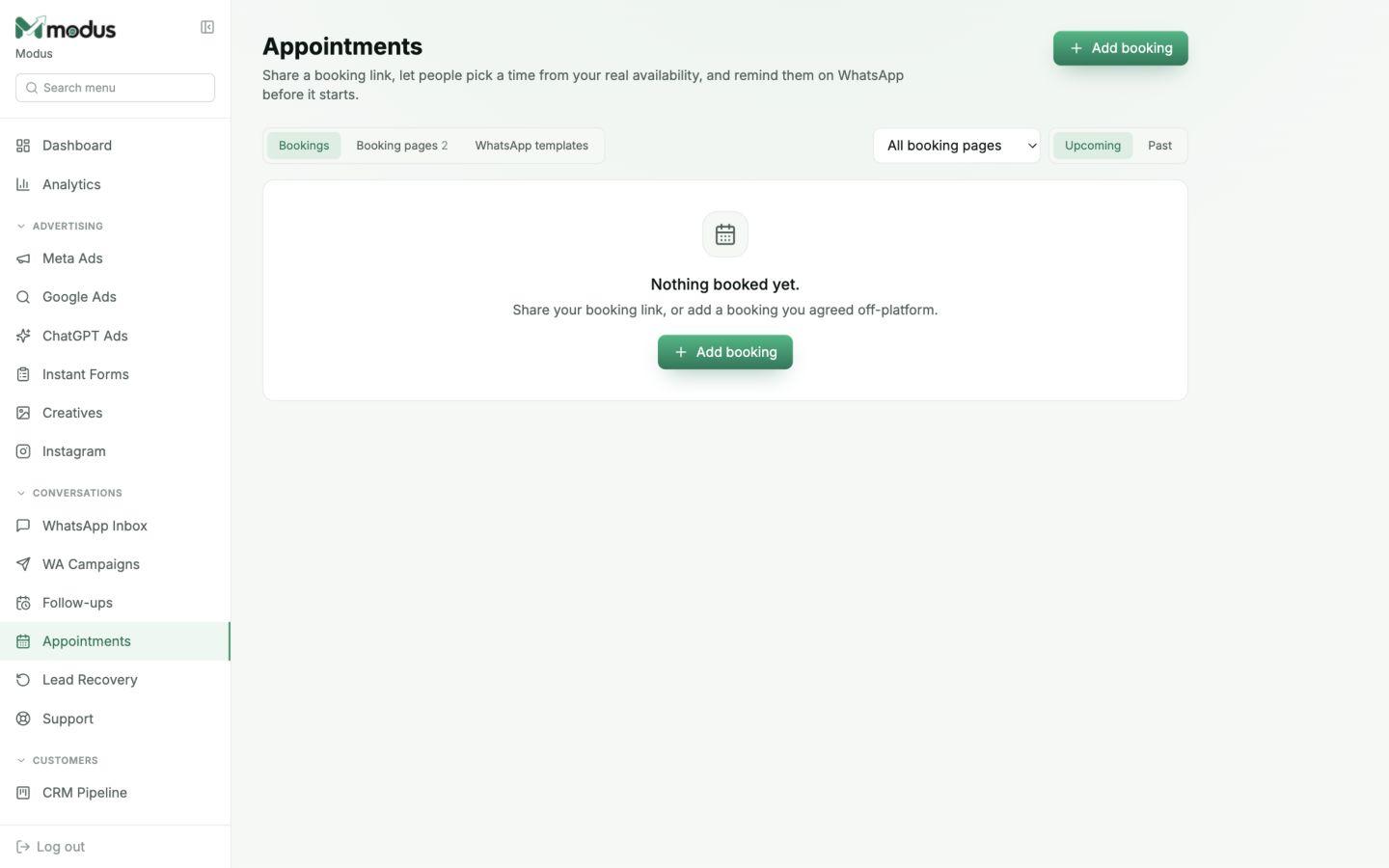
Branded booking links for each appointment type
Availability, buffers and capacity controlled in one place
WhatsApp confirmations and reminders tied to the CRM contact
Built into the workflow
This is part of the same Modus workspace as your inbox, CRM, orders and analytics — not a disconnected add-on.
01
Create different durations, availability rules, descriptions and meeting locations for each service or team.
02
The AI can share the right booking link and your team can add an agreed appointment directly from the contact record.
03
Use approved templates to confirm a booking and remind the customer before the appointment starts.
04
Customers receive a secure link to review or cancel their own booking without access to anyone else's schedule.
How it works
Set duration, schedule, capacity and meeting instructions.
Send it in chat, ads, your bio, website or a QR code.
The booking joins the CRM and WhatsApp reminders run automatically.
Yes. Each booking page can have its own duration, availability, capacity, location and customer-facing copy.
It can offer the appropriate booking link. Your team can also create a booking from the CRM when a time was agreed manually.
Reminders that may be sent outside the 24-hour service window use approved WhatsApp templates, which keeps the flow compliant.
Yes. Their private management link lets them review or cancel that booking only.
Works especially well with
AI & Conversations
AI WhatsApp sales agent
Train an AI WhatsApp sales agent on your business, qualify every enquiry, answer product questions and hand high-intent buyers to your team.
AI & Conversations
Shared team inbox
Manage WhatsApp, website chat and Instagram conversations in one shared inbox with AI replies, lead scores and a focused human-handoff queue.
Advertising & Attribution
Analytics dashboard
Track leads, orders, revenue, conversion, ad spend, cost per customer, ROAS, response time and recovered leads in one Modus dashboard.
Connect your channels, train the agent and trace every conversation through to revenue.