
Guides/CRM
How to Track Customers & Orders in Modus
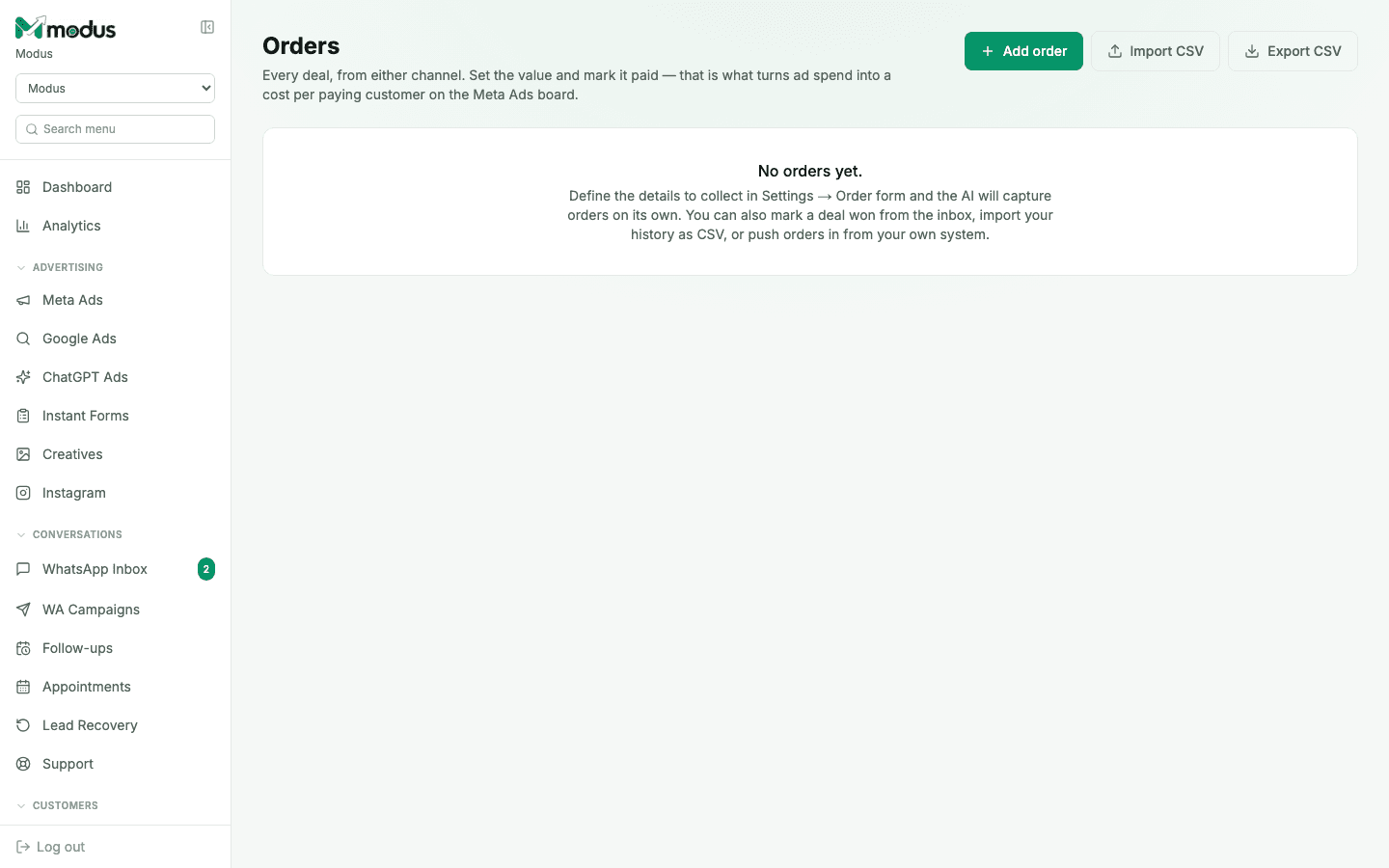
Customers and Orders are the two places a lead's outcome actually lands. Customers is your book of who's bought from you before — plans, packages, renewal dates, anything you already track. Orders is every deal, from either channel, and it's the one thing that turns ad spend into a real cost per paying customer.
- 01
Import or build your customer book
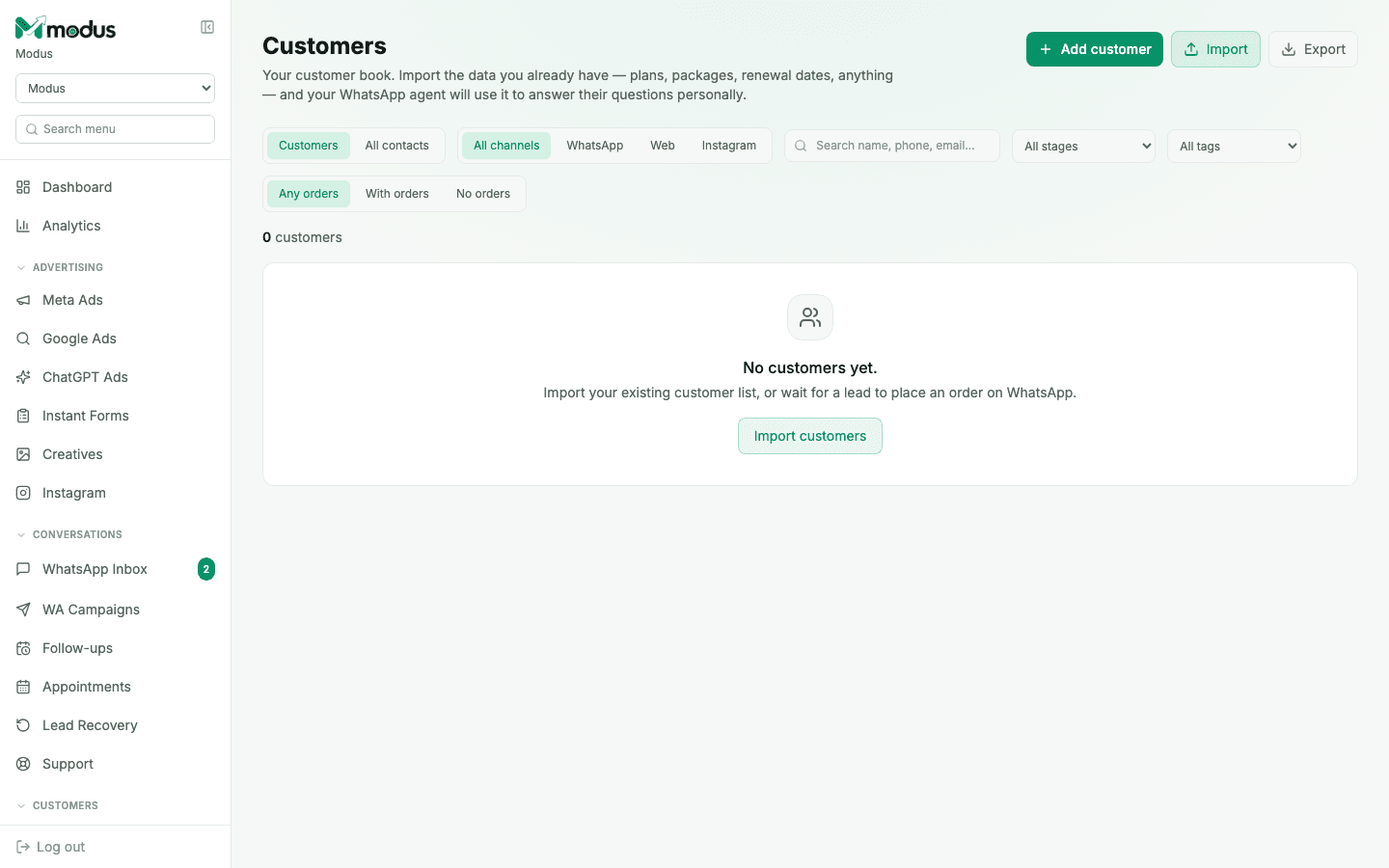
Open Customers and click Import customers to bring in your existing list — plans, packages, renewal dates, anything. Your WhatsApp agent uses this to answer a customer's questions personally, not generically, once it recognises who they are.
- 02
Let orders capture themselves — or add one
Define what to collect in Settings → Order form, and the AI captures orders from conversation on its own. You can also mark a deal won directly from the inbox, import your order history as a CSV, or push orders in from your own system via the API.
- 03
Set the value and mark it paid
An order only feeds cost-per-customer once its value is set and it's marked paid — that's the one moment ad spend turns into a real, traceable number on the Meta Ads (and Google/ChatGPT Ads) board.
- 04
Filter customers by channel and order status
Use the WhatsApp / Web / Instagram chips and the Any orders / With orders / No orders filter to segment your book — useful for anything from a win-back campaign to just checking who's never actually bought.
Good to know
Never edit an order's value or status by hand outside the app — every write goes through one path internally that keeps a customer's lifetime value and their pipeline stage in sync; a stray direct edit would quietly break that.
Import both customers and orders as CSVs when moving from a spreadsheet — the order import mirrors the customer import, so historical revenue and the customer book land in step with each other.
Questions we get asked
What's the difference between a "Customer" and a "Lead" in the CRM?
Every contact starts as a lead in the CRM pipeline. "Customer" is a view of the same contacts filtered to people who have (or might have) orders against them — it's the revenue lens on the same book, not a separate database.
Can a customer without a WhatsApp number still show up here?
Yes — a customer imported from a spreadsheet, or one captured on website chat, shows up the same way; only WhatsApp-specific actions (like sending a template) are unavailable for a channel that can't receive them.
Does marking an order paid affect the customer's pipeline stage?
Yes — it's one of the moments that can advance a lead to the Order stage on the CRM pipeline, since the write path that records an order also reconciles the contact's stage and lifetime value.
See this running on your own numbers.
Every guide on this site is the real product — set up your own agent, ad account and WhatsApp number, and every deal it closes traces back to what produced it.