
Guides/Setup
How to Connect Live Data Sources to Your AI Agent in Modus
A Knowledge DB doc is static — it's only as current as the last time you edited it. Data Sources is for anything that changes on its own: live stock, current pricing, real-time availability. Instead of a document, the agent gets a named, described API it can call mid-conversation.
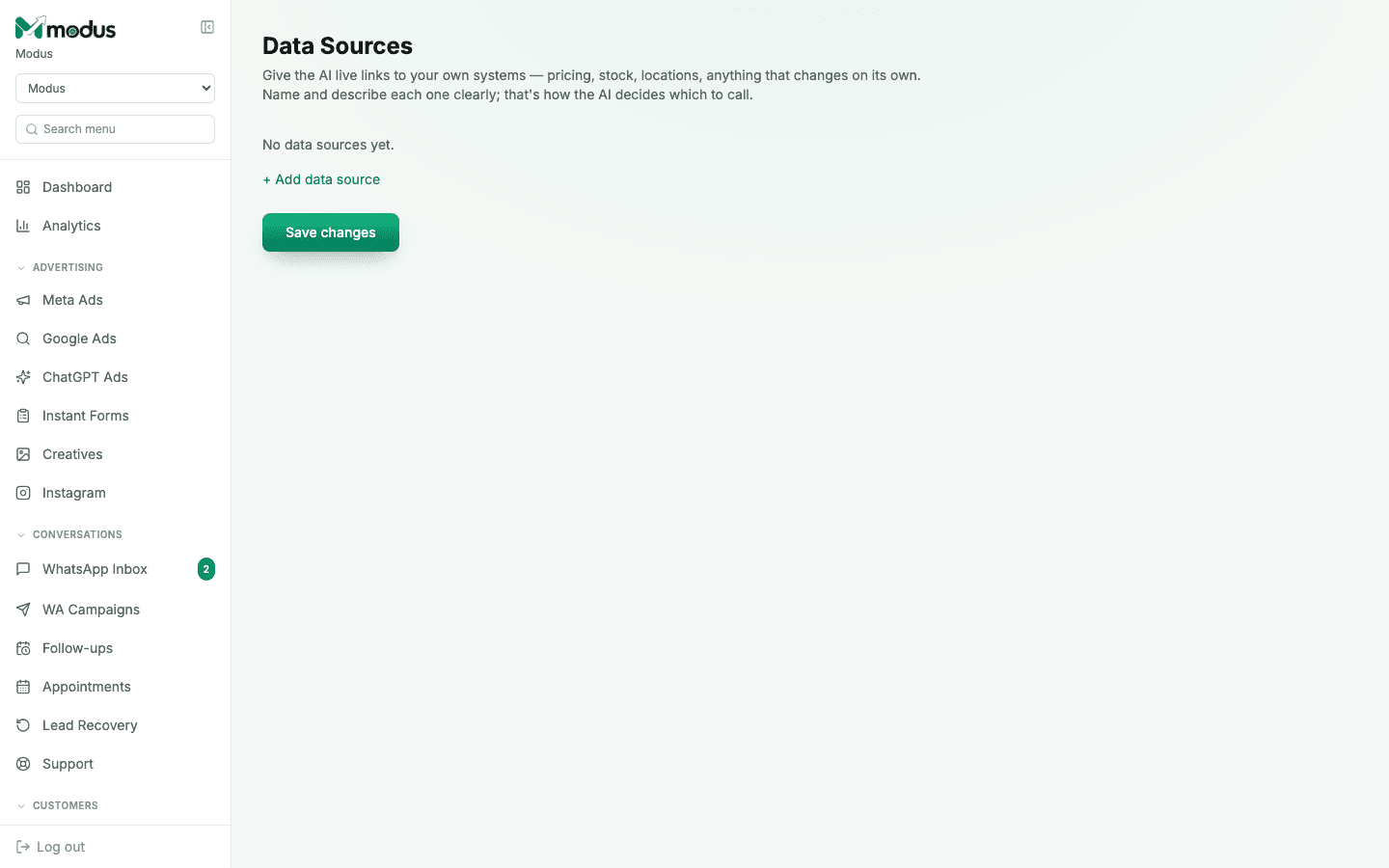
- 01
Add a data source
Open Data Sources and click Add data source. Give it a Name and the Endpoint URL it should call — your own API for products, stock, locations, or anything else that changes on its own.
- 02
Write a description the AI can act on
The Description field is not documentation for you — it's what the AI reads to decide when to call this source at all. "Live stock and pricing for rental equipment" tells the agent exactly which questions should trigger it; a vague description gets skipped or called at the wrong moment.
- 03
Add priority instructions, if the source needs special handling
Use Instructions for the AI for rules that override its general guidance when using this specific source — for example, "Always quote the 12-month plan price first. Never mention items marked out of stock."
- 04
Set the query param and auth, then enable it
Set the search query param your endpoint expects (defaults to
q), and an optional auth header name/value if the endpoint needs a key or bearer token. Tick Enabled and click Save changes — an unenabled source is saved but never called.
Good to know
Data Sources and the Knowledge DB aren't exclusive — use docs for facts that rarely change (policies, brand story) and a data source for the handful of things that actually change day to day (stock, live pricing).
A poorly written description is the most common reason a connected data source is never actually used — write it the way you'd brief a new hire on when to check that system, not as an internal label.
Questions we get asked
Does the AI call every data source on every message?
No — it decides which one (if any) is relevant to the specific question, based entirely on the name and description you wrote. That's why the description matters more than any other field here.
What if my API needs authentication?
Set the auth header name and value when you add the source — for example header name Authorization with value Bearer . It's sent on every call the agent makes to that endpoint.
Can I test a data source before going live with it?
Leave it unchecked as disabled while you verify the endpoint and description work as expected in a test conversation, then tick Enabled once you're confident in it.
See this running on your own numbers.
Every guide on this site is the real product — set up your own agent, ad account and WhatsApp number, and every deal it closes traces back to what produced it.