
Guides/Conversations
How to Set Up WhatsApp Follow-Up Sequences in Modus
A one-off broadcast reaches everyone on the same day. A follow-up sequence is different: it's an evergreen drip that watches for leads who go cold and automatically runs a fixed script of WhatsApp templates against each one, timed from the moment they went quiet — not from when you hit send.
- 01
Open Follow-Up Sequences
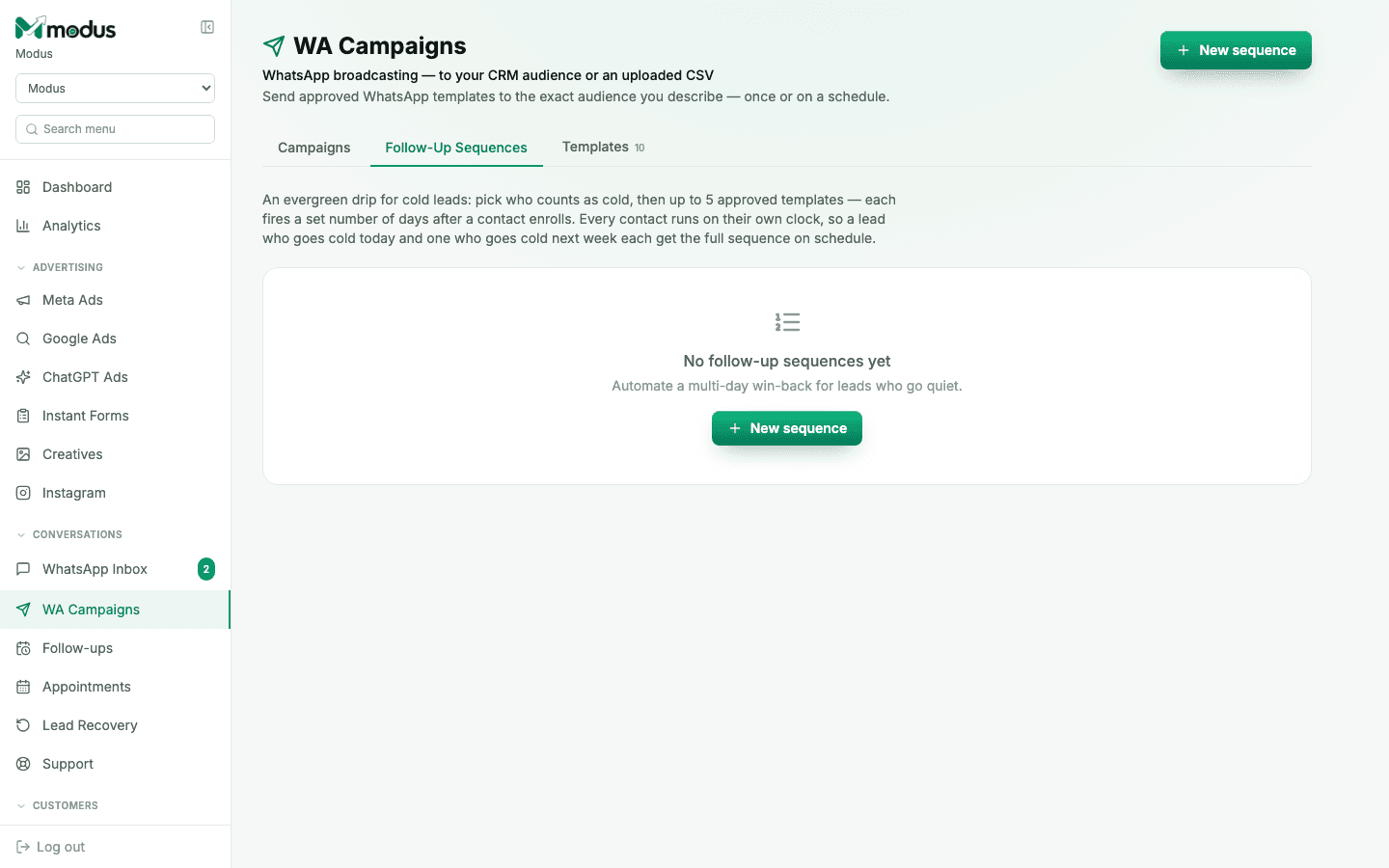
In WA Campaigns, switch to the Follow-Up Sequences tab. This is separate from the per-lead task reminders under Follow-ups in the sidebar — those are manual "call this person back" reminders your team sets; a sequence is an automated, always-running drip.
- 02
Define who counts as cold
Click New sequence and set the rule for when a contact enrolls — typically, no reply for a set number of days. Every contact runs on their own clock: a lead who goes cold today and one who goes cold next week each get the full sequence on their own schedule.
- 03
Pick up to five approved templates
Choose the templates that fire, in order, and how many days after enrollment each one sends. Because these are outbound-first messages outside the 24-hour window, every step must be an approved WhatsApp template — the same library you manage under the Templates tab.
- 04
Turn it on and let it run
Once live, the sequence needs no further attention — it enrolls, sends, and stops for a contact the moment they reply. There's nothing to re-trigger; a lead who goes cold twice runs the sequence twice, independently.
Good to know
A sequence is the automated half of retention; the "Lead Recovery" view in the sidebar is where you can see who's currently mid-sequence or already re-engaged.
Keep the first template in a sequence the lowest-friction one — a check-in, not a hard pitch — since it's reaching someone who already went quiet once.
Questions we get asked
What's the difference between a sequence and a campaign?
A campaign sends once (or on a fixed schedule) to an audience you pick right now. A sequence is a standing rule — it keeps enrolling new leads who match "went cold" for as long as it's turned on, with no audience to re-select.
Does a reply stop the sequence?
Yes. The moment a contact replies, they're back in a normal AI- or human-handled conversation, and no further sequence steps fire for them.
Can I use my own wording instead of the seeded defaults?
Yes — pick any of your own approved templates for each step, the same library the Campaigns tab uses.
See this running on your own numbers.
Every guide on this site is the real product — set up your own agent, ad account and WhatsApp number, and every deal it closes traces back to what produced it.