
Guides/Social
How to Manage Instagram DMs & Auto-Posting in Modus
Instagram in Modus covers two different things on purpose: DMs, which the AI agent answers automatically like WhatsApp, and posting, which is scheduling content to your feed. Both run on the same Meta connection you already set up for WhatsApp and ads.
- 01
Turn on Instagram DM auto-replies
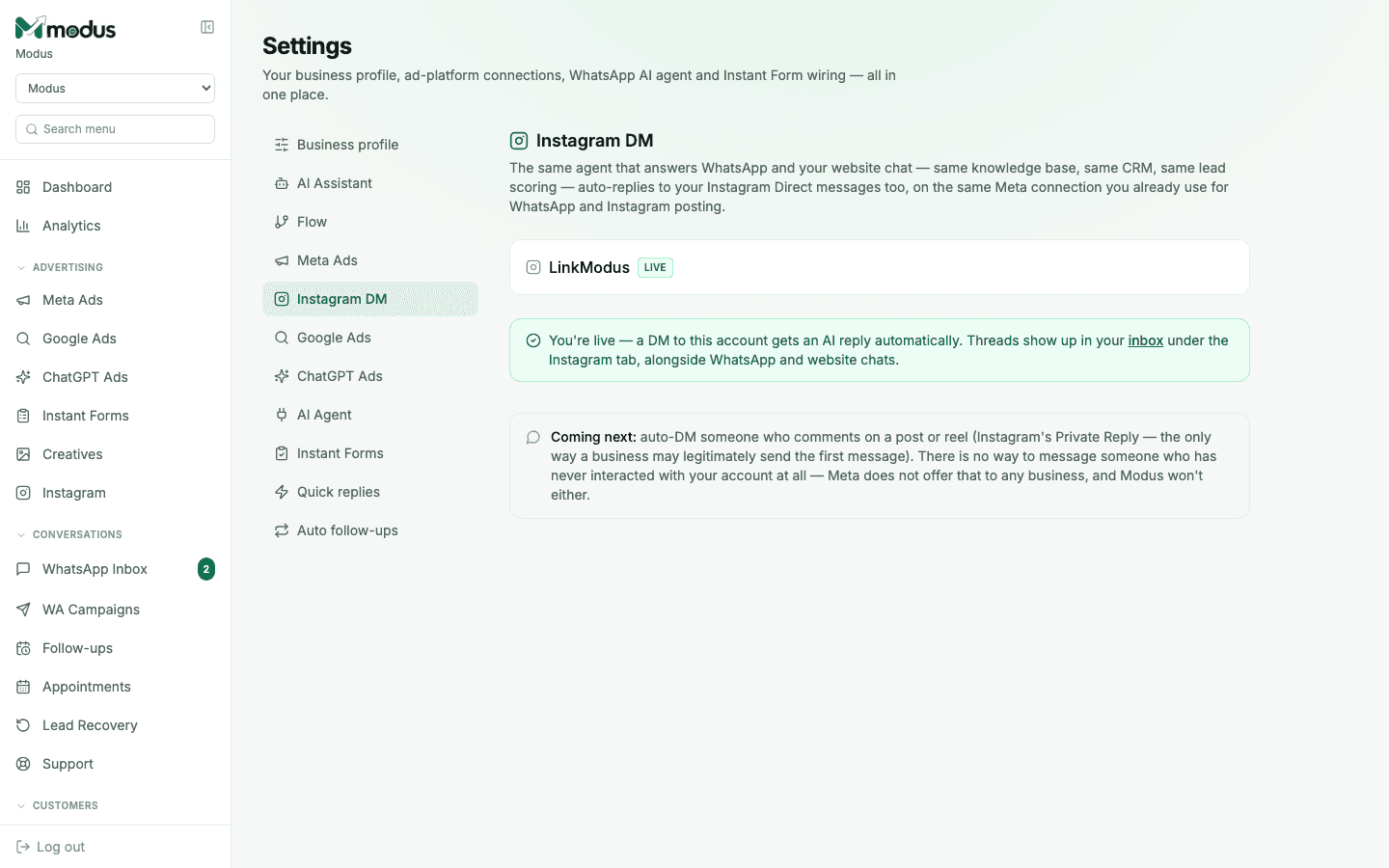
In Settings → Instagram DM, once your account shows LIVE, every DM gets an AI reply automatically — same knowledge base, same lead scoring, same CRM as WhatsApp. Threads show up in the inbox under the Instagram tab, right alongside WhatsApp and website chats.
- 02
Pick a creative and write a post
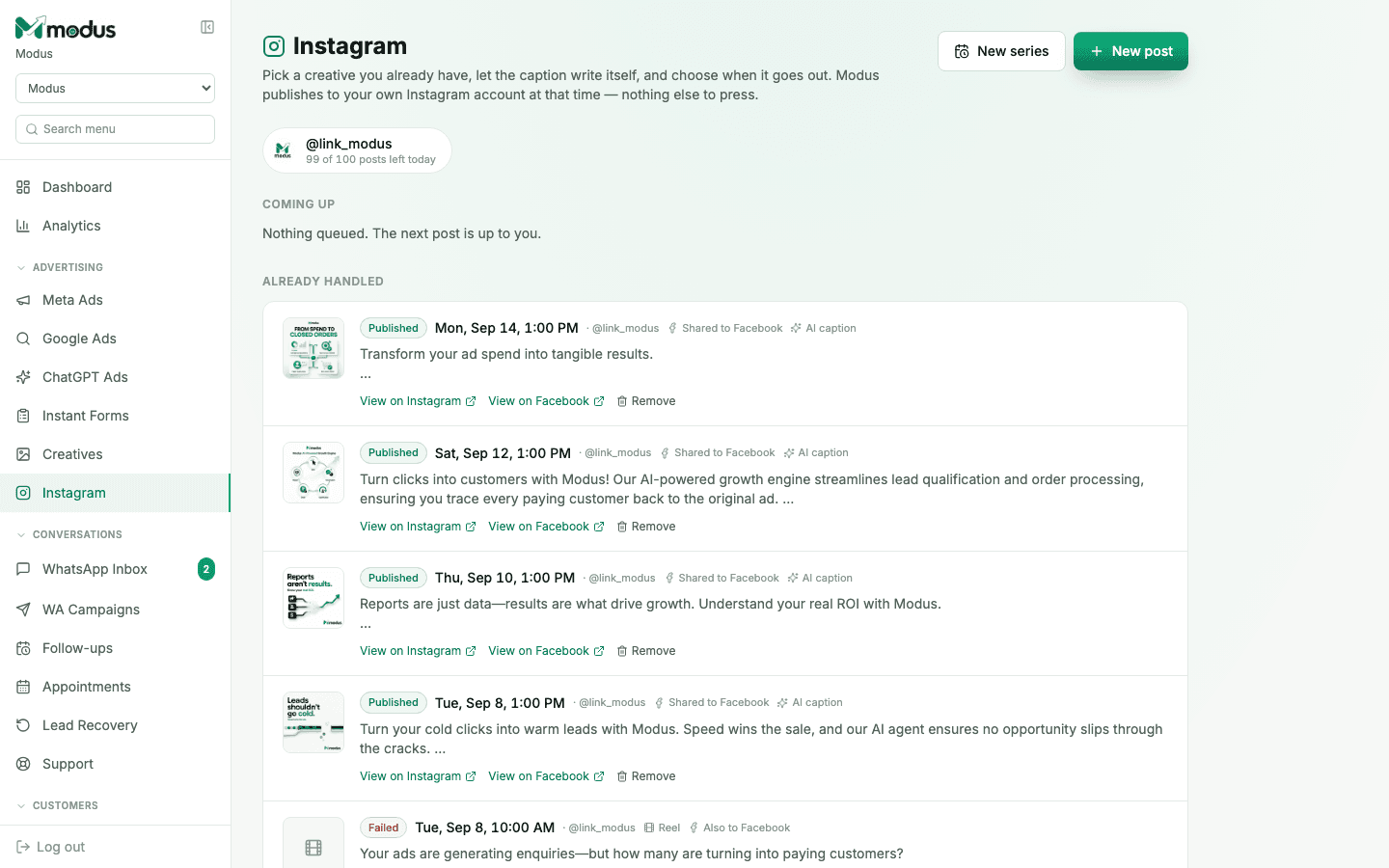
Open Instagram in the sidebar and click New post. Choose a creative you already have in your library, and let the caption write itself — Modus generates it grounded in your brand, using a vision model that actually looks at the image.
- 03
Choose when it goes out
Set the time and Modus publishes to your own Instagram account automatically — nothing else to press. Turn on Also to Facebook to cross-post the same creative to your linked Page at the same moment.
- 04
Build a series for a recurring cadence
Click New series to queue up a run of posts on a schedule, rather than composing one at a time.
Good to know
A failed cross-post to Facebook never touches the Instagram post's own status — by the time Facebook is attempted, the Instagram post is already live and can't be undone, so a Page hiccup shows its own error without marking anything "failed".
Auto-DMing someone who merely comments on a post ("Private Reply") is coming, but Modus won't ever message someone who has never interacted with your account at all — Meta doesn't allow that for any business, full stop.
Questions we get asked
Do Instagram DMs use the same AI setup as WhatsApp?
Yes — the exact same persona, tone, chatbot type and Knowledge DB configured under Settings → AI Business Agents. Only the channel is different.
Does scheduling a post cost anything extra?
The caption generation uses your AI credits like any other AI task; the posting itself is free — Modus is simply calling Instagram's own publishing API on your behalf.
Can I post a Reel, not just a feed photo?
Yes — video creatives publish as Reels; the composer shows the format each of your library items will publish as.
See this running on your own numbers.
Every guide on this site is the real product — set up your own agent, ad account and WhatsApp number, and every deal it closes traces back to what produced it.