
Guides/Support
How Support Tickets Work in Modus
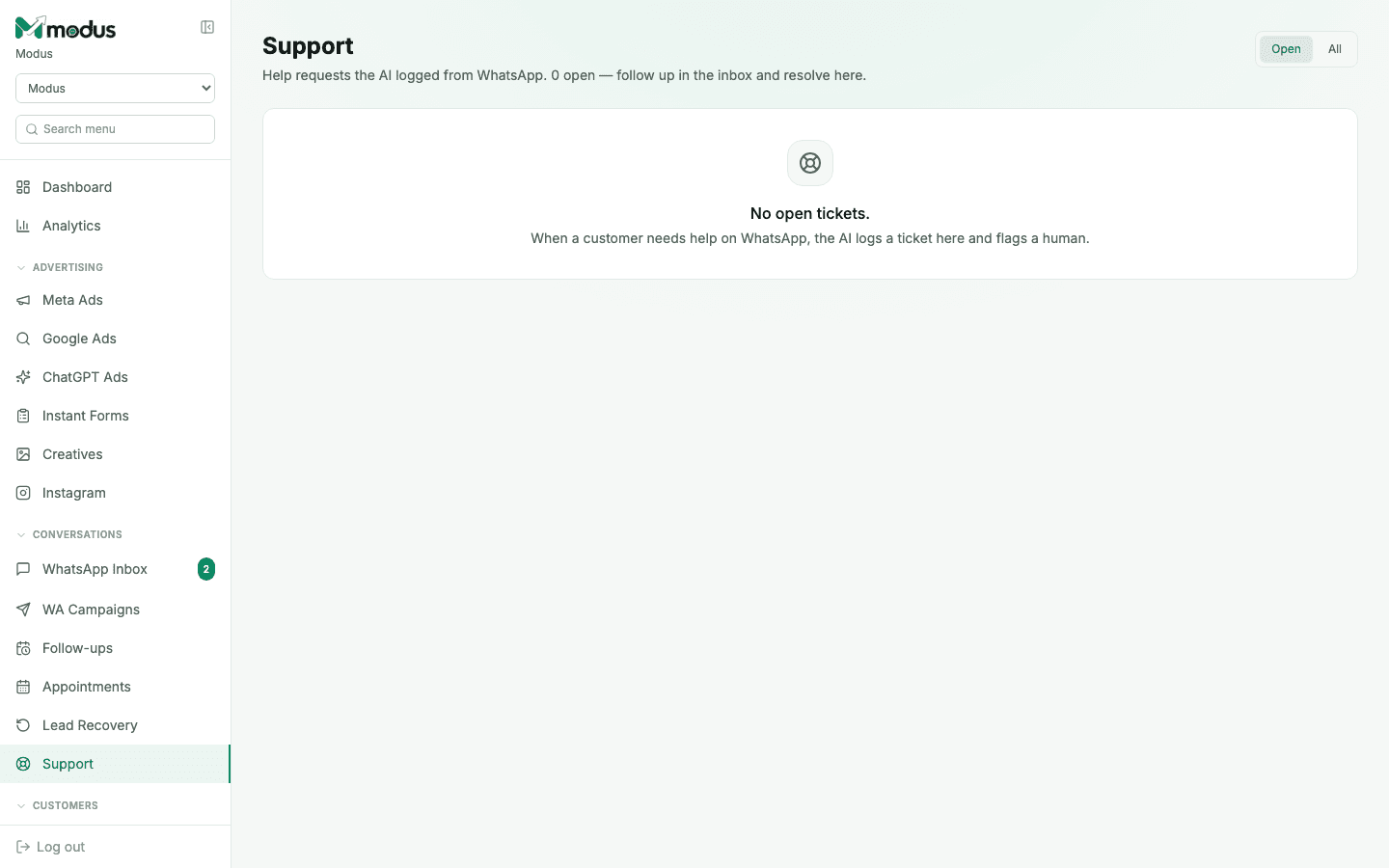
Support tickets aren't a form anyone fills in — they're logged automatically. When a customer needs help on WhatsApp, the AI recognises it, logs a ticket here, and flags a human, so nothing that needs a person gets quietly auto-replied to instead.
- 01
Open Support and check what's open
The counter next to the page title ("N open") is your queue size. Switch between Open and All to see everything that's ever been logged versus just what still needs attention.
- 02
Follow up in the inbox
A ticket links back to the actual WhatsApp conversation it came from — reply there, not on the ticket itself, since the ticket is a tracker for the request, not a separate chat channel.
- 03
Resolve it here once it's handled
Mark the ticket resolved once the customer's issue is actually sorted. This is purely internal bookkeeping — the customer never sees a "ticket," only your reply in the same WhatsApp thread they already know.
- 04
Watch priority
A ticket can be flagged urgent versus normal — use this to triage when there's more than one open at a time.
Good to know
A support ticket and a "Needs human" inbox flag are related but not identical — a ticket specifically means the AI recognised a help request; a conversation can need a human handoff for other reasons (like a customer explicitly asking for a person) without ever becoming a ticket.
Since tickets link back to real conversations, resolving old tickets in bulk without checking the thread can mean closing something that was never actually answered — always open the conversation, not just the ticket row.
Questions we get asked
Can a customer open a ticket themselves, like a helpdesk form?
No — there's no customer-facing ticket form. It's entirely the AI's judgment call, made from the WhatsApp conversation itself.
Do tickets work for website chat and Instagram too?
Yes — a help request is recognised the same way regardless of channel, since all three run through the same AI agent and knowledge base.
What happens if a ticket is never resolved?
It just stays open and keeps counting toward the "N open" total — there's no auto-expiry, since an unresolved support request is exactly the kind of thing that shouldn't quietly disappear.
See this running on your own numbers.
Every guide on this site is the real product — set up your own agent, ad account and WhatsApp number, and every deal it closes traces back to what produced it.